
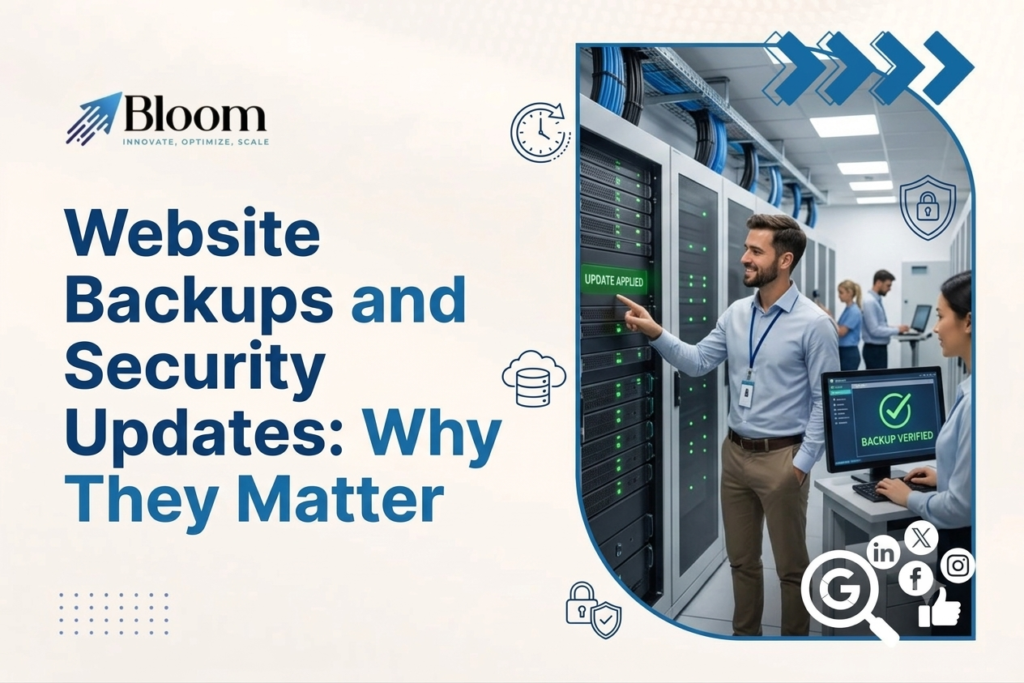
Website Backups and Security Updates: Why They Matter
Your website needs to be optimised for consumers and search engines, to help generate enquiries and establish your reputation online. But are you protecting your investment by backing up your website? Even a minor fault on the server can cause serious problems, such as losing online data, forcing you offline, or having to recover your website. Learn how website backups and security patches can help. A good website maintenance service helps businesses manage their digital assets, keep their website up-to-date and secure, and stay ahead of website security threats. Website maintenance is about more than just repairing what’s broken; it’s about avoiding what should be avoided, preventing costly errors before they happen.
Why Website Backups Are Essential for Every Business
Websites hold numerous pieces of information, such as the pages content, images, customer enquires, product details, databases and configuration information. If this information is lost, it can have a huge impact on the business and be a lengthy process to recover. Websites backup copies of essential website files and databases so that it can be restored if anything bad occurs. These copies serve as a safety net against accidental deletions, server failures, malware attacks, faulty updates and many more. If you run an ecommerce business, losing product data or order history can have a negative impact on your business operations, not to mention, your customers. A service-based business might risk losing key landing pages, contact pages, or website content. Having a fresh backup saves the day.
How Website Backups Protect Your Business
1. Recovering From Unexpected Website Failures
Because of hosting problems, incompatible plugins, software bugs or configuration errors the pages or significant features simply stop functioning (an innocuous update can cause you this frustration). A recent backup enables your developer to bring the website back online in working order rather than starting from scratch. This can save precious time and reduce the cost of recovery to get your business back to business as usual.
2. Protecting Against Cyberattacks and Malware
Cyberattacks can insert malicious code into a website, change website files or database contents, or make pages inaccessible. A clean backup is crucial to recover website content after an attack. Restoring a backup by itself does not solve the security problem. The root cause also needs to be identified and addressed to ensure that the problem does not recur. Backups are just one element of a security and recovery strategy.
3. Preventing Permanent Data Loss
Sometimes in the basic day-to-day management of a website, people make mistakes. Maybe someone deletes a page, overwrites data or deletes a database record that they should not have. Backups can be a lifeline in these situations. Decide which data needs to be backed up and how often the backups need to be updated depending on how often the website changes.
4. Reducing Business Downtime
If your site isn’t available customers won’t be able to make enquiries, purchase online, book, and perform many other vital tasks. The longer the timeframe for the site to be back online the more it can affect your business. Having an effective backup plan minimizes the restore time of your critical website operations. Store backup copies of your website at a location away from the host environment for added safety.
Why Regular Security Updates Matter?
Website platforms, themes, plugins, and the server software itself require periodic updates to fix security flaws, correct bugs, and improve functionality. When problems are discovered, developers are quick to release patches to help the website owners minimize the amount of time they are vulnerable to known exploits. A website that is built on outdated software could be vulnerable to an attack that exploits a vulnerability in the system that has already been patched. This could affect business data, customer information and the website. Updates ensure that your website stays secure and runs smoothly. It’s important to be cautious, however, because some updates may break your themes, plugins, or custom features.
Key Benefits of Keeping Your Website Updated
1. Closing Known Security Vulnerabilities
One of the best reasons to update your website content management system, plugins or themes is to protect your site from security vulnerabilities. Older content management systems, plugins and themes may leave openings for hackers. Timely deployment of approved security patches minimizes the vulnerability exposure. Additionally, users should deactivate obsolete plugins and themes, transition away from unsupported functionality, and limit access to only those individuals who need it.
2. Improving Website Stability and Compatibility
Bug fixes and updates can also help to resolve errors in the features of a website. Sometimes, older parts of the website can stop being compatible with the server environment, the browser or other tools. Checking for updates frequently is a good idea to ensure they are working properly and to catch any bugs early on. It is also crucial to check after an update to be sure key features still function correctly. For websites that use bookin g engines, payment methods, or lead generation forms, this is even more crucial.
3. Protecting Customer Trust
Your clients rely on your website to respect their privacy. A security breach, unexpected redirects to sites that seem suspicious, failed pages and browser warnings will erode your customers’ trust in your brand. Ensure your software, content management system and plugins are always up-to-date. Serve your web pages over HTTPS using SSL certificates. Require strong authentication (passwords, two-factor authentication etc.). Watch your website for suspicious activity.
4. Supporting Website Performance
Some of these updates result in performance enhancements, optimisations and fixes that allow certain website elements to perform more efficiently. Not all updates necessarily improve website performance but maintaining up-to-date software can prevent the problems caused by under-supported and outdated components. Performance, including speed tests, functionality and technical audits should be tracked independently. Security, stability and speed are three variables that work together to improve your website experience.
Website Backups and Security Updates Work Best Together
Different threats, different backups and updates for both. Updates are there to prevent you from discovering software problems and known exploits, backups are to provide you with a fallback. Think about a website that encounters an issue following a significant plugin upgrade. If you have a checked backup then the website can be rolled back to a working state. Your development team can then review the plugin to check for compatibility and re-attempt the upgrade.
In the same vein, the infection site can be cleaned and then restored from a clean backup if the attack has taken place on a site.Scheduled backups, managed updates, security checks, and recovery testing are all part of a comprehensive maintenance process. This can provide a more reliable approach to website risks.
Best Practices for Website Backups and Security Updates
A reliable maintenance programme can help companies improve website protection.
Schedule backups Regular backups should be taken. Frequency should depend on how often you update your website. Order, book or submitetc websites should have more regular backups than less dynamic websites.
Securely store backup copies. Where you can, keep backup copies in different locations away from the website files. Limit access, encrypt them if possible and use strong authentication to secure any backup accounts.
Ensure data recovery. Data is not worth anything if you can’t recover from it. To test recovery, regularly perform restores in a sandbox staging environment to ensure that files, databases, and functions are recoverable.
Make updates with caution. When possible, test substantial changes on a staging site, consider backing up the website prior to updating, and review updates when they are available.
Monitor website security. Use the right security monitoring tools to help identify malicious activity, malware, unauthorised changes and other indications of compromise.
Retain access control. Use a strong password, multi-factor authentication when possible, and individual user accounts that have only the permissions required for the user’s role.
Conduct periodic review maintenance. Verify that backups are running, software versions are current, the site is online, forms are working and core functionality is still intact.
How Website Maintenance Services Help Businesses Stay Protected?
Taking care of backups, updates, security checks and website speed can take time and some know-how. If you don’t have your own technical team, you may find it hard to keep everything up and running.
Comprehensive website maintenance and support services will take care of these tasks with scheduled maintenance, backup storage and management, updates, security monitoring, and diagnostics. Depending on the package you select, support may further include uptime monitoring, malware detection, optimisation, and technical support.
This always forward-looking strategy helps entrepreneurs concentrate on serving their customers and running their business rather than reacting to every single problem on their website. Your maintenance service is a bit varying based on what kind of a website platform, of course, and the website you’re running, traffic, and other business demands.
Conclusion
If you want to protect the work you do on your business website from data loss, operational failure and known security issues, backups and regular security updates are a good start. Backups give a fallback should data loss occur, security updates keep software secure, stable and compatible and reduce preventable issues.
However, when you use reliable Website Maintenance Services, you can make sure that backups will be taken, updates are carried out in a controlled manner, and risks can be identified early. Ongoing maintenance of your website means you can safeguard your business, maintain the trust of customers, and lay a solid foundation for growth.

Neetu Wadhwa is the Director of Bloom Agency, a Mumbai-based full-service digital marketing and web development company. With a strong focus on performance, innovation, and strategy, she leads the agency in delivering SEO, web design, and growth marketing solutions that drive measurable business outcomes.




Rahul M.
B2B Service Provider