
How to Prepare Your Website for an SEO Audit in 2027?
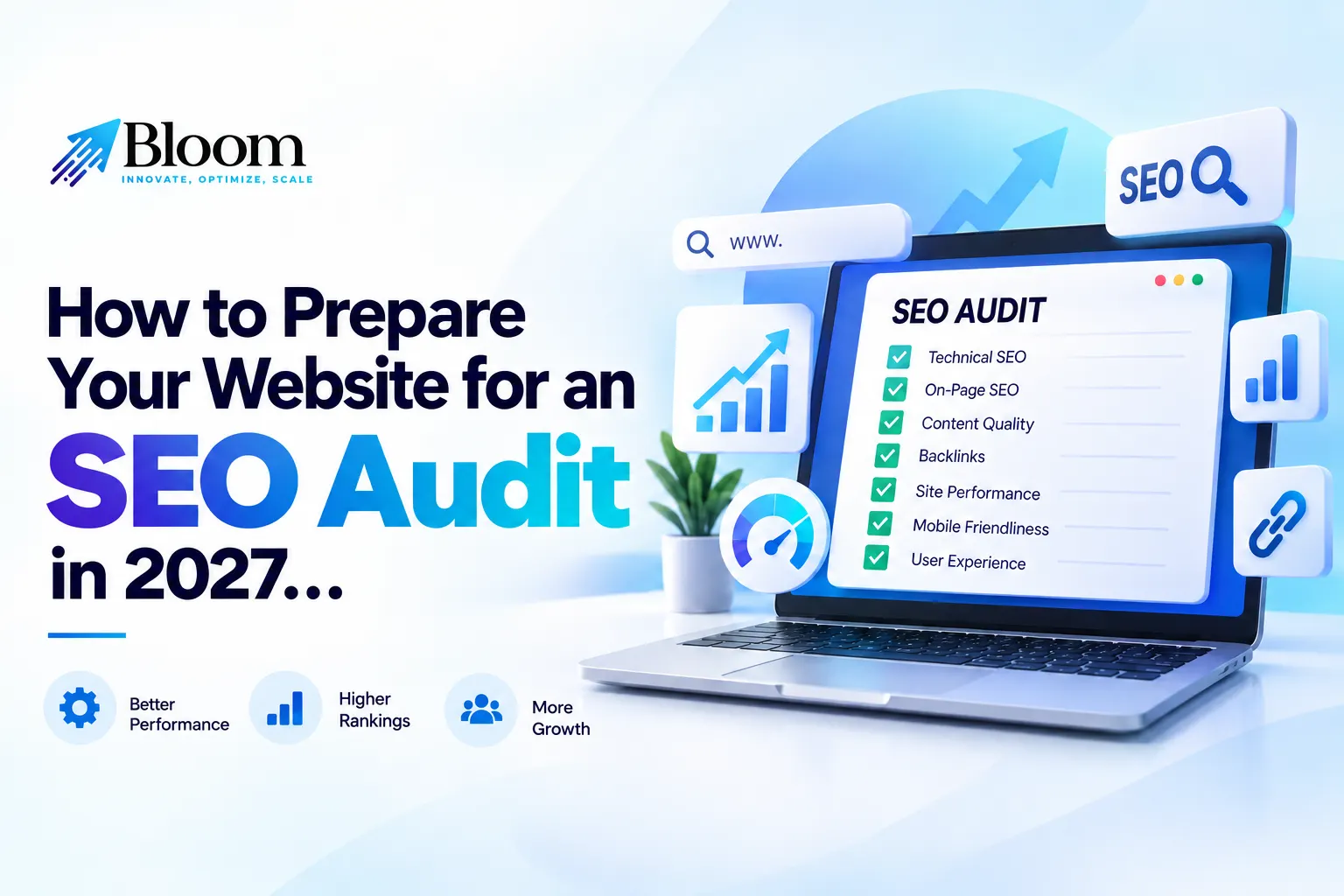
SEO is constantly changing, meaning it is important to ensure your site is performing well in search engines. If your site has technical issues, outdated content, broken links, poor site speed or incorrect site structure, this can all negatively affect how well search engines understand and rank your pages. Conducting an SEO audit regularly will allow businesses to understand any issues that may be holding back performance in organic search, and improve website visibility. To get the most out of an SEO audit, it is important to prepare your website and gather the correct information. Gathering data on website performance, search performance, technical elements and current SEO efforts will make the process more efficient and effective.
Below, we outline how to prepare your website for an SEO audit in 2027. We also outline what to look for, what tools to use and how professional SEO audits can help you find improvements.
Key Points
- Check current organic performance
- Check Google Search Console and performance data for any issues
- Look for broken links, redirect issues, duplicate pages and crawling issues
- Check content, keywords, meta content and internal links
- Check Core Web Vitals, mobile friendliness and site speed
- Gather backlink information and competitor data
- Prioritise recommendations
What is an SEO Audit?
An SEO audit allows you to understand any issues that may be affecting the performance of your site in search engines. This includes technical, content, structural and off-page issues.
An SEO audit will tell you how well your web pages can be crawled and indexed by search engines, how relevant content is to search queries and whether visitors are able to get value from the site.
Typically, an SEO audit will include:
- Technical SEO
- On-page optimisation
- Content quality
- Site structure and internal links
- Backlinks
- Mobile friendly
- Site speed
- Indexing and crawlability
- Competitor performance
Understanding the results of an SEO Audit allows businesses to understand what improvements to make to increase organic visibility.
Why should you prepare your website?
Preparing your website before an SEO audit will make it easier for SEO professionals to understand current issues in your site. It will also reduce the chance of missing important information.
1. Understand Existing SEO Issues
Seeing the current performance of your website will allow you to understand any issues. These may include reduced organic traffic, missing meta information, broken links and indexing issues. This gives the SEO team a good starting point to understand why changes in performance may be occurring.
2. More Accurate SEO Audit
Having access to analytics, Search Console, sitemaps and existing SEO reports allows professionals to gain useful information to evaluate your site. With this information, professionals can make decisions based on real performance data.
3. Saves Time
If important information and permissions have already been provided, the audit can be completed quickly. The SEO team can focus on analysing and creating recommendations, as they will not be spending time gathering basic information.
4. Prioritise Improvements
Not all SEO improvements will have the same effects. By preparing your site, you can understand business priorities, important landing pages and pages generating leads/sales. This means that the audit team can focus on improvements that will support business goals.
How to Prepare your Website for an SEO Audit in 2027?
To prepare your website for a detailed SEO audit, complete the steps below.
1. Understand Current SEO Performance
Understand how the site is performing in organic search. Is traffic increasing, decreasing or staying the same?
Look at:
- Organic traffic
- Impressions and Clicks
- Average position of keywords
- Click through rate
- Conversions and leads from organic traffic
- Best performing landing pages
- Pages with reduced traffic
You can use Google Search Console and Google Analytics 4 to understand performance. Record this information so that it can be compared to post-audit results.
2. Give Access to Useful SEO Tools
To complete an SEO audit, you must give access to the correct tools. Ensure that the audit team have access to:
- Google Search Console – To understand search performance, indexing and crawling.
- Google Analytics 4 – To understand organic traffic, user behaviour and conversions.
- Google PageSpeed Insights – To understand site speed and Core Web Vitals.
- Google Tag Manager – To understand tag set up.
- Screaming Frog SEO Spider – To understand technical aspects of the site.
- Ahrefs or Semrush – To understand keyword position, backlink profile and competitor analysis.
Give the correct permissions to access these accounts, but do not give out account passwords. This means you can keep your accounts secure, but allow professionals to access necessary information.
3. Check Crawlability and Indexing
Before completing an audit, ensure that important pages on your site can be crawled and indexed by search engines.
Check:
- Are important pages being indexed?
- Is the XML sitemap up to date?
- Are important resources blocked in robots.txt?
- Are there crawl errors on pages?
- Are important pages being linked to from internal pages?
- Are any undesirable pages appearing in search results?
- Are canonical tags set up correctly?
Use the ‘Page Indexing’ report and URL Inspection Tool in Google Search Console. Be sure to pay particular attention to pages that are generating leads, sales or important business questions.
4. Check for Broken Links and Redirect Issues
Broken links and incorrect redirects can make it difficult for visitors to navigate your site, and can mean that important pages may not be found by search engines.
Check for:
- Internal links leading to 404 pages
- Broken external links
- Redirect chains
- Redirect loops
- Incorrect 301 redirects
- Unexpected HTTP status codes on pages
If a page has been permanently moved, the previous URL should redirect to the most relevant new page. Avoid redirecting all removed pages to your homepage. If possible, redirect users to an appropriate alternative page.
5. Check Content and Keywords
Content plays an important role in SEO. Be sure to understand if content is targeting the right search queries, and if it is providing useful information.
Create a list of important pages on your website, and check:
- If the page has a clear intent
- If the main keyword is relevant
- If headings clearly describe the content
- If content is accurate and up to date
- If multiple pages are targeting the same intent
- If important topics are missing
- If content is providing useful information, rather than generic information.
For example, if offering SEO services, a digital marketing agency should have a well structured page for each service category, and should avoid having multiple pages with very similar content.
An SEO audit can help you find content gaps, keyword cannibalisation, outdated content and improvements to make to existing content.
6. Check On-page SEO
On-page SEO means that search engines can understand what the purpose of the page is and what it is relevant to.
Before completing an audit, ensure:
- Title Tags – Are unique, descriptive and relevant.
- Meta Descriptions – Are clear, and encourage people to click if it is relevant.
- H1 – Clear main heading.
- H2 and H3 – Logical structure within content.
- URLs – Short, descriptive and easy to read.
- Alt Text – Accurate and describes meaningful images.
- Internal links – Relevant links to related pages.
- Keywords – Relevant keywords are used throughout.
Do not stuff content with keywords. Content should be useful for visitors, and enable search engines to understand what the page is about.
7. Check Site Speed and Core Web Vitals
Slow load times, layout shifts and delayed interactivity will make it difficult for users to interact with your site.
In 2027, aim to meet the following Core Web Vitals:
- LCP (Largest Contentful Paint) – Fast load speed. Aim for 2.5 seconds or less.
- INP (Interaction to Next Paint) – Responsive performance. Aim for 200ms or less.
- CLS (Cumulative Layout Shift) – Stable layout. Aim for 0.1 or less.
These should be met with 75% of visits for mobile and desktop.
Use PageSpeed Insights to understand performance on key landing pages. Look for any issues, such as large images, blocking resources and inefficient code.
8. Check Mobile Friendliness
Most sites will be getting a large amount of traffic from mobile devices. As such, it is important to ensure that your site provides a consistent experience across devices.
Ensure that your site displays well on mobile, tablet and desktop devices.
Check:
- Responsive design
- Appropriate font size
- Easy navigation menus
- Appropriate button sizing
- Easy to complete forms
- Images displayed correctly
- Consistent spacing
- Fast mobile loading speed
Also check that important information and links can be found on mobile versions of your pages.
9. Check Backlink Profile
Backlinks help search engines find content and understand how other sites are referencing your pages.
Before completing an audit, gather information on your backlink profile.
Check:
- Number of referring domains
- Backlinks to important pages
- Lost and gained backlinks
- Backlinks from relevant websites in the industry
- Unusual patterns in backlinks
- Backlinks to broken pages
Use tools such as Ahrefs and Semrush to understand backlink data.
Not all backlinks from sites with low authority or that you are unfamiliar with will be bad. Consider context, relevance and quality of backlinks. Do not solely rely on third party scores.
10. Gather Competitor Data
Analysing competitors can help you find opportunities that may not be as clear from your own data.
Gather 3-5 competitors that are targeting similar search queries. Check:
- Important service pages
- Keyword visibility
- Topics in content
- Site structure
- Internal links
- Sources of backlinks
- Appearance in search results
This information can help SEO professionals identify content gaps, relevant keywords and improvements to make to your site.
11. Check Site Security and HTTPS
Security is an important factor in technical SEO.
Make sure you have HTTPS and a valid SSL/TLS certificate. Check that any HTTP links are redirected to their HTTPS equivalent.
Check for:
- Mixed content errors
- Expired certificates
- Incorrect canonical URLs
- Redirect loops
- Insecure third party resources
- Unnecessary restrictions
Having a secure site can increase trust from visitors and ensure technical consistency.
12. Know Your Business Goals and Priority Pages
An SEO audit should support business goals.
Consider what you want to improve with your website. This could include:
- More quality leads
- More product sales from organic
- Improved visibility for service related keywords
- Traffic from specific locations
- More enquiries from key landing pages
- More traffic to educational resources/blogs
Share a list of your priority pages with the audit team. This means recommendations can be prioritised based on value to the business.
Checklist for Preparing a Website for an SEO Audit in 2027
Check:
- Organic traffic and keyword performance
- Access to Google Search Console and GA4
- Crawlability and indexing
- XML sitemap and robots.txt
- Broken links and redirect issues
- Content quality and keyword optimisation
- Title tags and meta descriptions
- Core Web Vitals and site speed
- Mobile friendliness
- Backlink and referring domain data
- HTTPS and site security
- Competitor URLs and priority pages
What happens next after an SEO audit?
Once an audit has been completed, the next step is to understand the results and create an action plan. A professional SEO audit should give you more than just a list of issues. It should explain what the issue is, why it is an issue and how to fix it.
Typically, an SEO audit will include:
- Identify technical issues – Crawlability, indexing, site speed and site structure issues.
- Content Analysis – Outdated content, missing information, keyword gaps and duplicated content.
- Competitor Analysis – Understand visibility compared to competitors and find opportunities.
- Backlink Analysis – Understand referring domains and backlink quality.
- Create an action plan – Prioritise recommendations based on impact, priority and effort.
- Monitor performance – Understand changes in organic traffic, rankings, indexing and conversions.
Not all recommendations may be implemented straight away. Prioritise issues to do with crawlability, indexing, security and accessibility. Once these major issues have been fixed, move onto content and optimisation improvements.
How can professional SEO audit services help businesses?
Despite preparing a website for an audit, detailed analysis is required to understand why organic performance may be poor. By investing in professional SEO audit services, businesses can understand technical issues, content issues and improvement opportunities that may be impacting their visibility in search engines.
An experienced SEO team can help with:
- Technical SEO – Find issues with crawlability, indexing, redirects and site structure.
- On-page optimisation – Headings, meta content, URLs, internal links and keyword optimisation.
- Content – Find outdated, duplicated, thin and poor performing content.
- Backlinks – Understand referring domains, and identify any potential issues.
- Competitor Analysis – Find keyword and content opportunities.
- Prioritised Recommendations – Create an action plan based on business goals and SEO impact.
At Bloom Agency, we focus on identifying issues with websites, and making actionable recommendations to improve visibility in search engines. With a well structured audit, you can understand where improvements can be made to your website. This can create a good foundation for sustainable improvements in organic traffic.
Summary
By preparing your website for an SEO audit in 2027, you will be able to make a more efficient, accurate and useful audit. Understanding organic performance, indexing, content, backlinks, speed and security will give you valuable insight into how your site is performing currently. However, SEO audits should not be a one-off process. As requirements from search engines, technologies on sites and expectations from users change, it is important to regularly monitor and make improvements to maintain a healthy site.
By gathering the right data, knowing priority pages and working with experienced professionals, audit results can be turned into improvements that will improve sustainable visibility in search engines.
FAQs
1. What do I need to prepare before an SEO audit?
Before an SEO audit, you should have access to Google Search Console, Google Analytics 4, analytics, XML sitemaps and relevant SEO tools. You should also have a list of priority pages, target keywords, competitors and previous SEO reports.
2. How frequently should I complete an SEO audit?
Most businesses should complete a full SEO audit once or twice a year. If content is regularly updated, or the website has a large inventory or has had significant technical changes, more regular checks may be useful.
3. How long will an SEO audit take?
The length of audit will depend on the size and complexity of the website. A small business website may take less time than a large eCommerce site with many thousands of URLs.
4. What aspects of a website are checked in an SEO audit?
Typically, technical SEO, on-page SEO, content quality, backlinks, site performance, mobile friendliness, crawling, indexing and competitor analysis are checked.
5. Can an SEO audit improve my rankings?
No, however it can help to identify issues and improvements. By making improvements based on the recommendations, you can improve the accessibility, content quality and overall performance of your site in search engines.
6. What tools are useful for an SEO audit in 2027?
Google Search Console, Google Analytics 4, PageSpeed Insights, Screaming Frog SEO Spider, Ahrefs and Semrush are useful tools to analyse different aspects of SEO within a site.
7. Why should I invest in professional SEO audit services?
Professional SEO audit services will give you a detailed analysis of your website. They can identify technical issues, content issues, backlink issues and improvement opportunities. They can also give prioritised recommendations based on business goals.

Neetu Wadhwa is the Director of Bloom Agency, a Mumbai-based full-service digital marketing and web development company. With a strong focus on performance, innovation, and strategy, she leads the agency in delivering SEO, web design, and growth marketing solutions that drive measurable business outcomes.





Rahul M.
B2B Service Provider